
Google Business Profile for Small Business: A Practical Guide to Getting Found Locally
If you’re a small business owner trying to get more visibility locally, your Google Business Profile matters more than you might realise.
Not because it’s trendy.
But because when someone is actively searching for a service in their area, Google is usually their first stop.
A properly set up Google Business Profile for small business can be the difference between being found or being overlooked.
Let’s make sure yours is working the way it should.
What Is a Google Business Profile?
Your Google Business Profile (GBP) is the listing that appears in search results and on Google Maps when someone searches for your business or a service you offer.
For example, they might search for an accountant near them, a café that is open, or your business name directly.
It is the section that shows your business name, reviews, phone number, website, opening hours and directions.
In many cases, it is the first impression someone has of your business, often before they even visit your website.
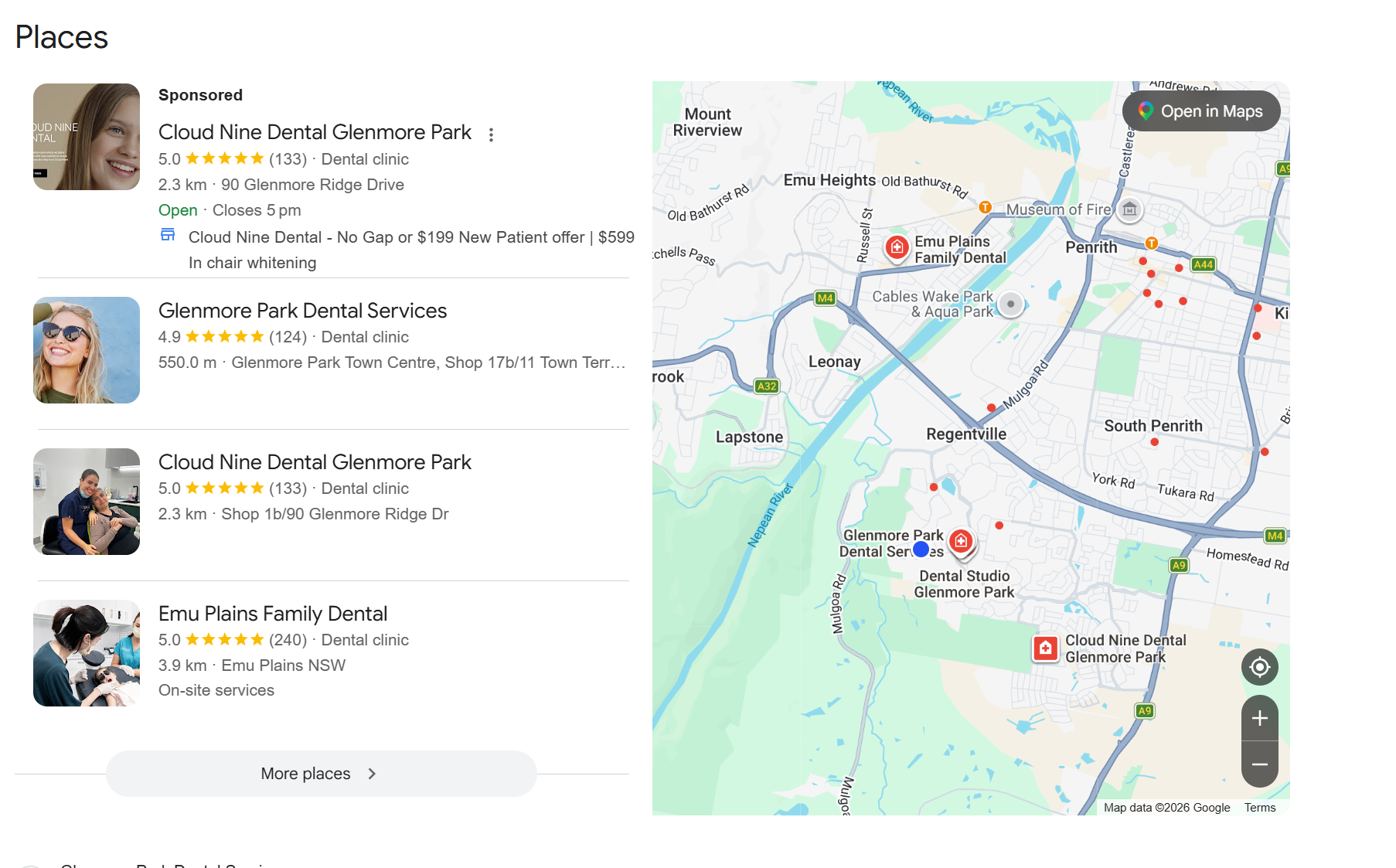
Search results for “Dentist near me”
Why Google Business Profile Is So Important for Small Businesses
There is a simple reason this matters.
Social media helps people discover you.
Google helps people choose you.
When someone searches for a service, they are not browsing for ideas. They are looking for a solution.
A well-set-up Google Business Profile helps your business appear at that exact moment.
That is what makes it so valuable.
The Real Benefits
Let’s keep this practical.
You show up in local searches
Google uses your profile to understand what you do, where you are located and which areas you service.
This is how your business appears in local search results and on Google Maps.
For many small businesses, this is one of the simplest ways to be found by the right people.
You build trust quickly
Reviews play a big role in how people decide who to contact.
When someone sees consistent ratings, recent reviews and real photos, they feel more confident choosing your business.
It helps remove uncertainty and makes it easier for them to take the next step.
You stay in control of your information
If your profile is not set up properly, Google may still display information about your business.
That information is not always accurate.
You might end up with incorrect hours, outdated contact details or missing information.
Setting up your profile properly ensures everything is clear and reliable.
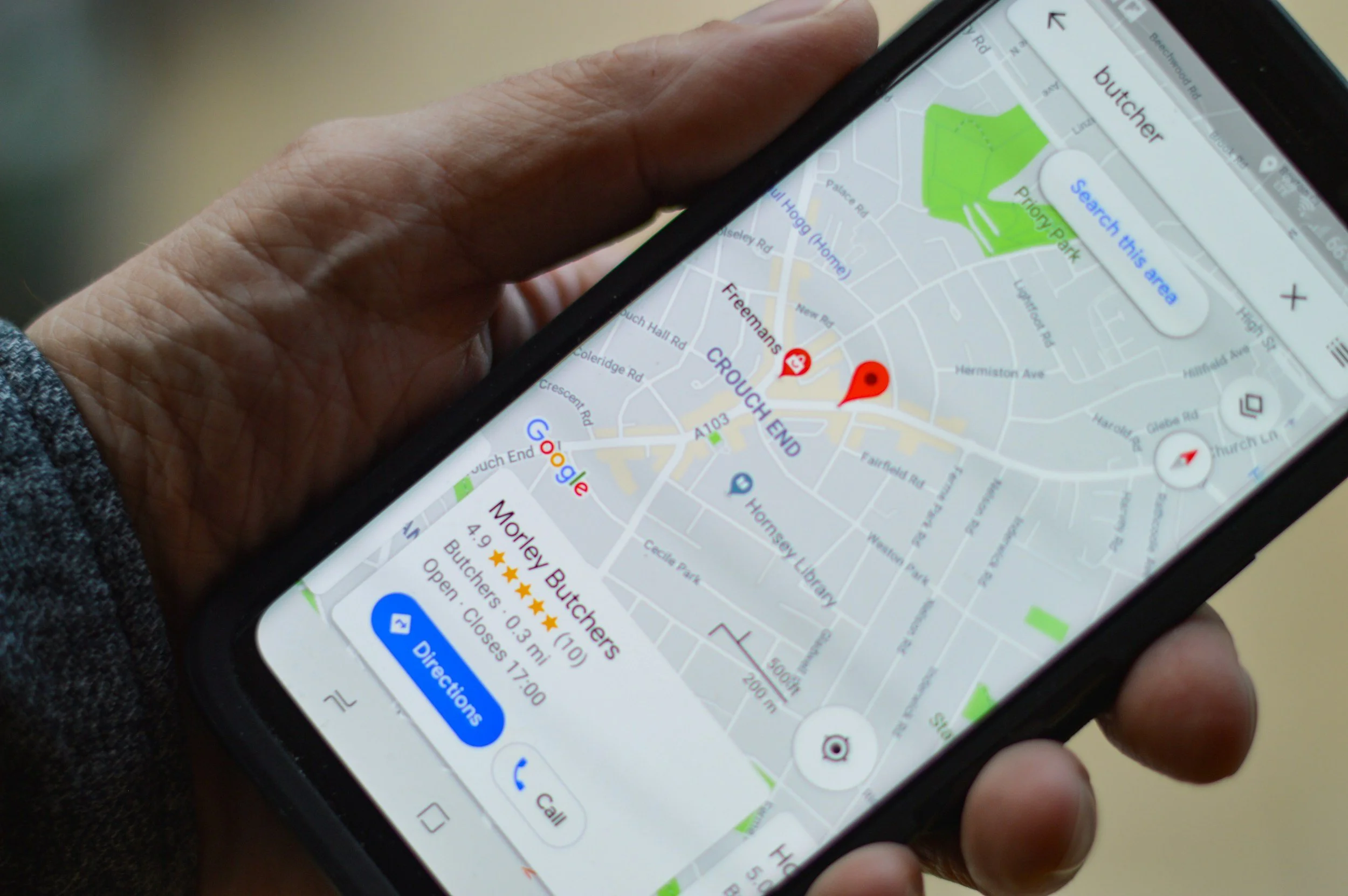
Business search result with map on mobile
You support your local SEO & AI Search Results
Your Google Business Profile helps search engines understand your business more clearly.
It reinforces what you offer, where you operate and who you are relevant to.
Over time, this supports your visibility in local search results.
How to Set Up Your Google Business Profile
This does not need to be complicated.
You can get it set up properly in under an hour.
1. Claim or create your profile
Start by searching for your business name.
If a listing already exists, you can claim it. If not, you can create a new one.
Use a Google account connected to your business so you can manage it easily.
2. Choose the right business category
This step is more important than it might seem.
Choose a category that clearly reflects what you do.
For example, marketing consultant, accountant or electrician.
Being specific helps Google understand when to show your business in search results.
3. Add accurate location details
You will choose whether customers visit your location or whether you travel to them.
If you provide services across different areas, you can list the locations you cover.
It is best to keep this accurate and realistic.
4. Add your contact information
Make sure your phone number and website are included.
If you have a booking link, add that as well.
The goal is to make it easy for someone to contact you without needing to search further.
5. Upload real photos
Photos help people get a feel for your business.
Add your logo, your workspace, your team and examples of your work where possible.
Clear and natural images help build trust.
6. Write a clear business description
Keep your description simple and easy to understand.
Explain who you help, what you do and where you operate.
There is no need to overcomplicate this. Clarity is more effective than clever wording.
7. Complete verification
Google will ask you to verify your business.
This might be done through a postcard, email or phone.
Completing this step ensures your profile is fully active.
Small Updates That Make a Difference
Once your profile is set up, a few small actions can improve how it performs.
Add your services so people can see exactly what you offer.
Ask your customers for reviews and respond when they leave them.
Keep your opening hours up to date.
Add the occasional update or post if relevant.
It does not need constant attention, but it does benefit from being kept current.
If You Are Feeling Overwhelmed With Marketing
Start here.
Before running ads.
Before building complex funnels.
Before trying to do everything at once.
A properly set up Google Business Profile gives you visibility, credibility and a stronger local presence.
It also gives you useful insight into how people are finding your business.
It is not complicated, and it does not require a budget.
It is simply a foundational part of your marketing that is worth getting right.
